What this blog is and how to write a post
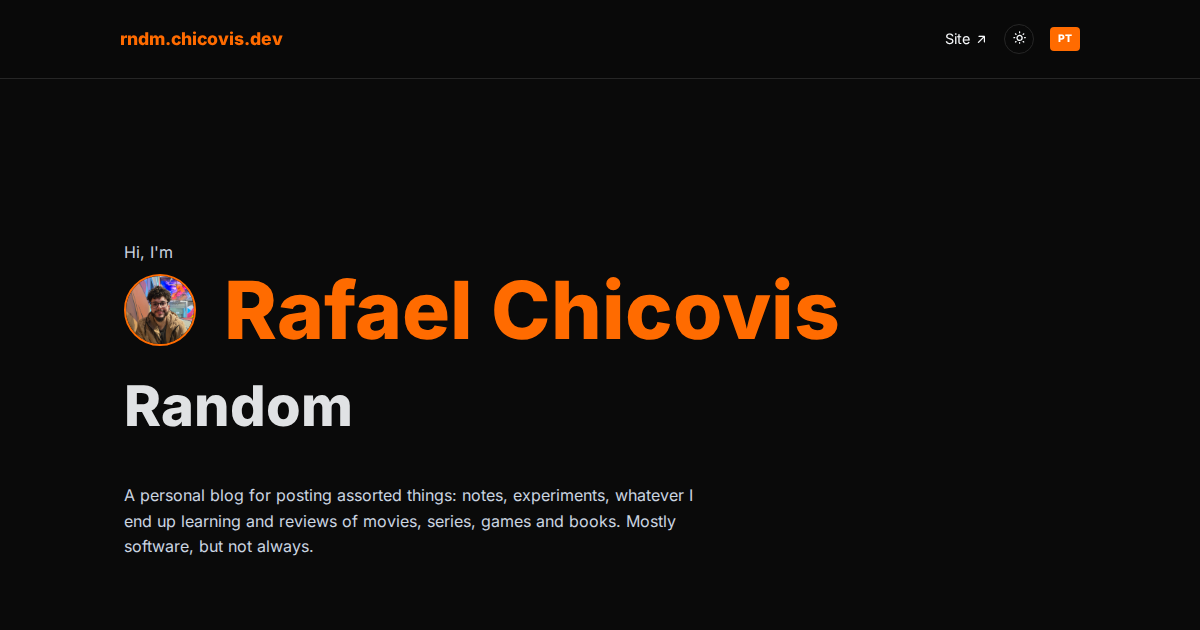
This is the first post of the blog, so it works as a test and as a tutorial. I am writing it mostly for myself: a reminder of what this project is and of the steps to publish a new post, so that in a few months I do not have to read the code again.
What this blog is
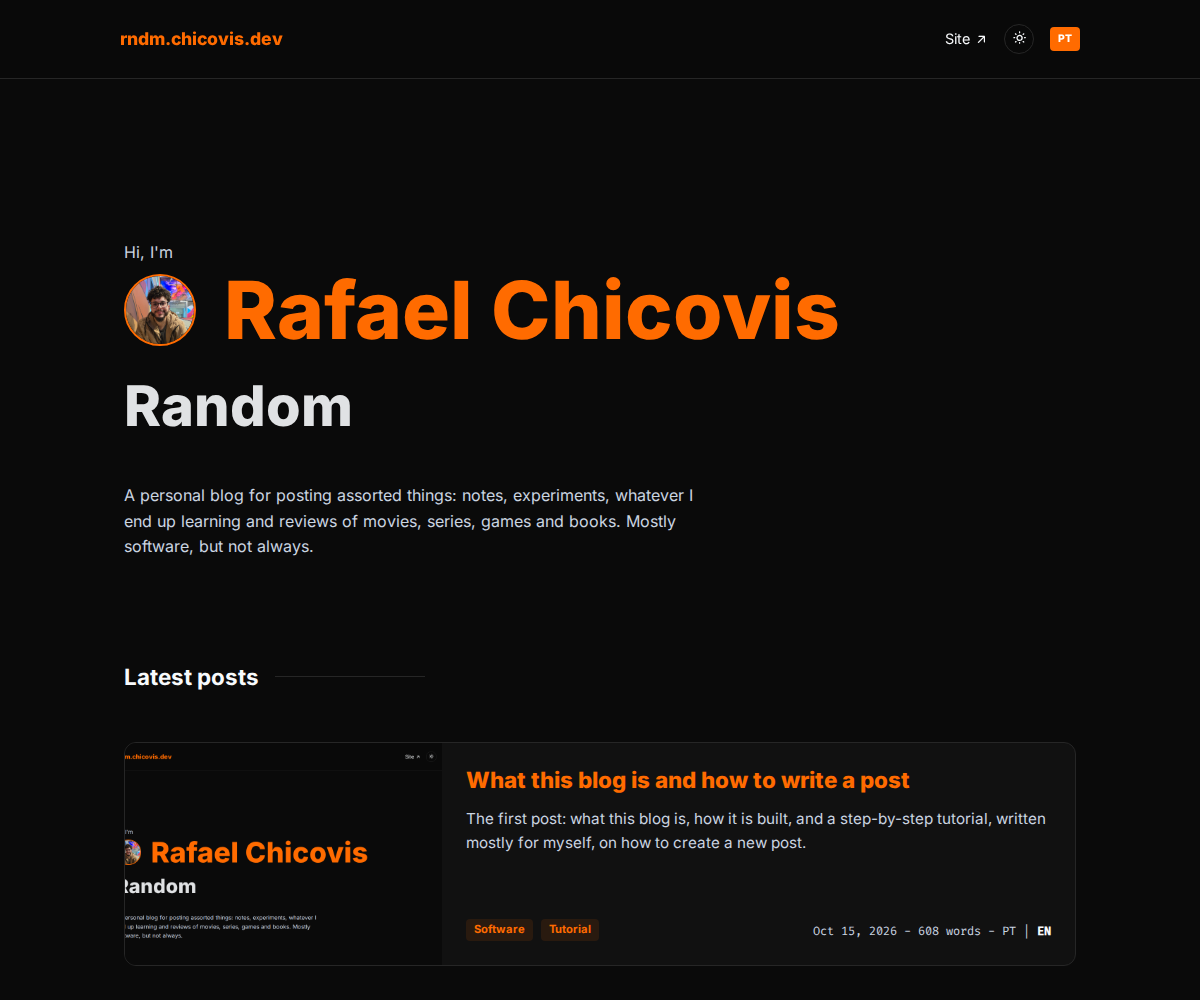
"Random" is my personal blog, a sibling of my main site, chicovis.dev. It shares the same colors, fonts, icons, header and footer. It is where I write about whatever I feel like: movies, games, books, series and software.
It is built with Angular, using standalone components, signals and plain CSS. There is no framework like Tailwind and no backend: every page is generated as static HTML at build time, which is good for SEO and for link previews.
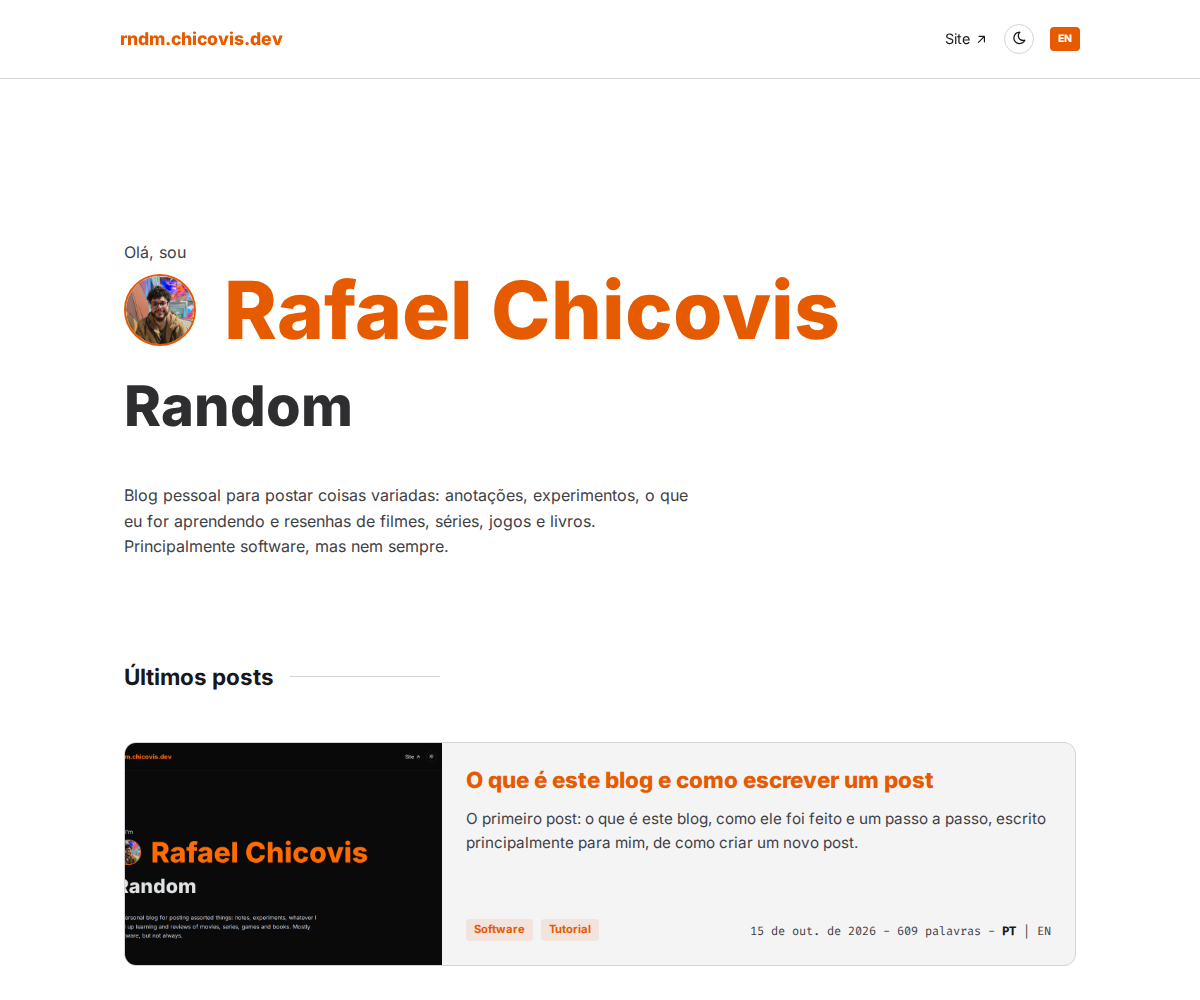
- Two languages: English and Portuguese. Each one has its own URL,
/en/...and/pt/.... - Dark and light themes, remembered in a cookie shared with the main site.
- Accessibility first, with WCAG 2.2 AA as the goal.
How a post is organized
Each post is a folder inside src/content/posts/, and the folder name is a GUID. That GUID is the post id and also its URL: /en/post/<guid>. It must never be renamed after publishing.
src/content/posts/<guid>/
  manifest.json   title, summary, cover, tags, date, availableLangs
  en.md           the post in English
  pt.md           the post in Portuguese
  assets/         cover and images
The manifest.json holds the metadata. Every text in it is an object with one entry per language, for example { "en": "...", "pt": "..." }. The wordCount field stays as {}, because it is calculated automatically.
The Markdown files hold only the body. The title comes from the manifest and is the page h1, so headings inside the Markdown start at ##.
Creating a new post
I do not do this by hand. The project has a Claude Code skill for it.
- Open the project in the editor and run
/new-postin Claude Code, followed by a short description of the post: topic, languages, tags and cover. - The skill creates a new GUID folder, downloads or copies the cover, fills the manifest and writes the Markdown from the templates.
- It runs
pnpm posts, which validates everything and fails with a clear message if something is missing. - I start the app with
pnpm start, check the post on the home page and on its own page, and fix what I do not like.
If I ever need to do it manually, the steps are the same: generate a GUID with node -e "console.log(crypto.randomUUID())", create the folder and its assets/ subfolder, copy the templates from .claude/skills/new-post/templates/, fill them in and run pnpm posts.
Adding images
Images go into the post's assets/ folder and are referenced from the Markdown with a relative path. The alt text is required, because it is what screen readers announce.

Previewing and publishing
pnpm startruns the dev server. After adding a post, restart it so the home list is regenerated.pnpm buildmakes the production build, with every page prerendered.pnpm postsvalidates the posts and regenerates the index andpublic/sitemap.xml. The sitemap changes with every new post, so it is committed together with it.
Editing a published post
Change the .md file, set updated in the manifest to the current date and run pnpm posts again.
About this post
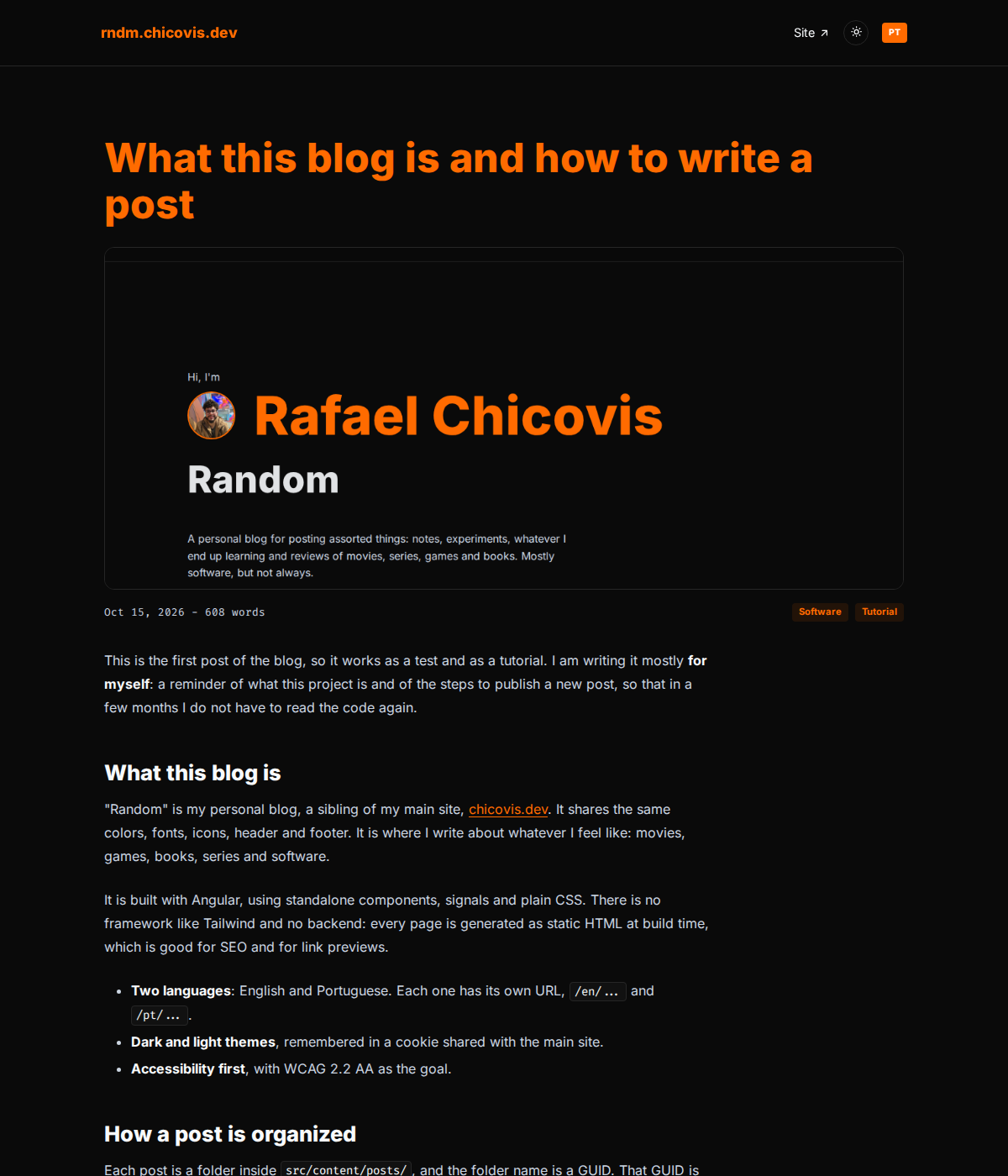
This is the very first post, and it was written as a tutorial for my future self. The screenshots of the project are already here; the ones of the editor and of the terminal are still missing. If you are not me and ended up here anyway, welcome, and I hope it was at least a bit useful.